The Hidden Cost of Tab Overload: How 50 Open Tabs Are Draining Your Brain
Research reveals that tab overload isn't just a productivity annoyance, it's a cognitive load crisis. Each open tab represents a separate mental context that drains working memory, increases decision fatigue, and erodes the deep focus needed for knowledge work. But AI-powered solutions like Oasis are reimagining browser organization to solve this problem.
Stop what you're doing right now and count the number of browser tabs you have open. If you're like most knowledge workers, the number is probably higher than you'd like to admit, and it's costing you more than you realize. As experts have noted, those open tabs aren't just visual clutter, they're a form of information overload that shortens attention spans, harms task performance, and drains mental energy during complex work. But the real problem runs deeper than most people understand: each tab represents a separate mental context that your brain must hold in working memory, creating a cognitive load crisis that's silently undermining productivity across industries.
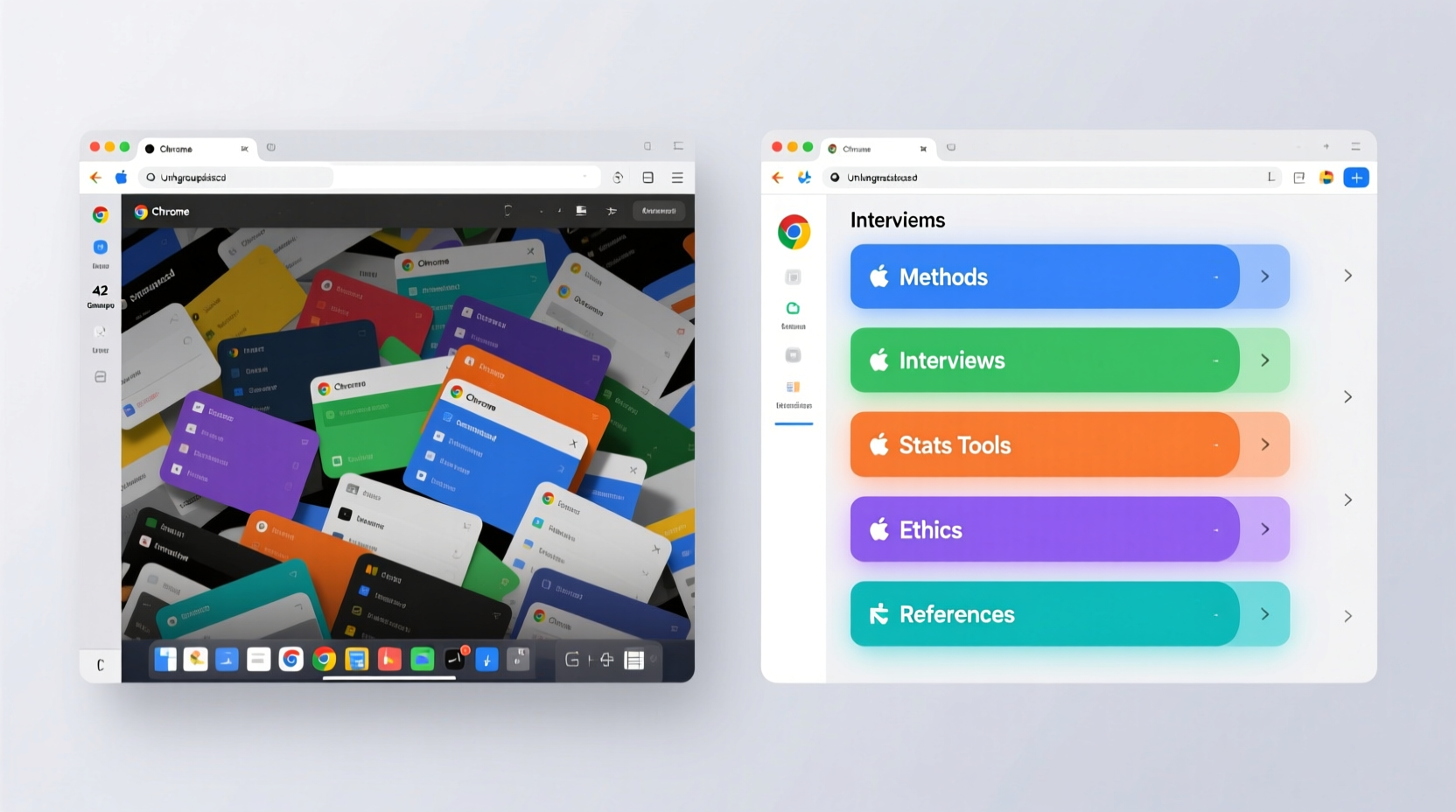
The Science of Tab Overload
The problem isn't just anecdotal, it's been rigorously studied. Carnegie Mellon University researchers documented in 2021 how tab overload causes disorientation, losing track of tasks, and even browser crashes. Their work revealed that managing many open tabs creates significant mental strain, forcing users to constantly switch contexts and remember what each tab contains. This isn't just about organization, it's about cognitive capacity.
The research became even more formalized in a 2023 CHI paper that formally defined browser "clutter" and modeled how disorganized tabs and UI elements increase cognitive overhead. The study showed that cluttered interfaces correlate with more errors and inefficient navigation, not because users are careless, but because their brains are overwhelmed by the sheer number of open loops they're trying to track simultaneously.
As Sébastien Dubois explains, each open tab is a separate mental context that must be held in working memory. When you have 50 tabs open, you're not just managing 50 web pages, you're juggling 50 different contexts, each with its own purpose, content, and place in your workflow. This creates what cognitive scientists call "context switching cost," where your brain expends energy every time it shifts attention between different mental models. The result? Mental fatigue, reduced focus, and the illusion of productivity when you're actually just spinning your wheels.
The Psychology of Tab Hoarding
Why do we keep so many tabs open if they're so harmful? Atlassian's analysis reveals that multi-tabbing exploits dopamine and multitasking tendencies, leading to scatterbrained attention and memory problems. The behavior creates an illusion of productivity, we feel like we're accomplishing more because we have more things "in progress," but in reality, we're just creating more open loops that drain our cognitive resources.
This isn't just about poor habits. ScienceAlert reports that survey findings show tab overload is common, with people describing the mental burden of tracking many "to-read" tabs and the frustration of losing needed pages in the clutter. The problem is systemic: modern knowledge work requires constant research, cross-referencing, and information gathering, which naturally leads to tab accumulation. But traditional browsers offer no real solution, they just let the tabs pile up until the system crashes or the user gives up.
The emotional resistance to closing tabs is real. Research explores the fear of losing information or momentum that keeps people from closing tabs, even when they know it would help. This creates a vicious cycle: the more tabs we have open, the more anxious we become about losing something important, so we keep them all open, which increases cognitive load, which makes us less effective, which makes us feel like we need even more tabs to stay on top of things.
The Cognitive Load Crisis
The real damage happens at the cognitive level. Cognitive load theory explains how juggling too many "open loops" leaves no capacity for deeper, generative thinking. When your working memory is consumed by tracking 50 different tabs, there's no mental space left for the kind of deep, focused work that knowledge workers actually need to do. You end up feeling frazzled before real work even begins.
This isn't just about attention, it's about the fundamental architecture of how our brains process information. Research connects multi-tabbing to multitasking pitfalls like frequent context switching and suppressed productivity. Every time you switch between tabs, your brain has to: disengage from the current context, retrieve the new context from memory, reorient to the new information, and then re-engage with the task. This process, repeated dozens of times per hour, creates a massive cognitive tax that most people don't even realize they're paying.
The impact extends beyond individual productivity. The Observer frames this as "The Knowledge Worker's Dilemma": brains built for insight, systems built for volume. Modern knowledge work floods people with inputs, causing multitasking, memory overload, and reduced depth of thought. This maps directly onto researchers juggling large tab sets, they're trying to process too much information simultaneously, which prevents them from achieving the deep understanding that their work actually requires.
The Productivity Paradox
Here's the cruel irony: keeping many tabs open feels productive, but it actually reduces productivity. Research including a Microsoft study argues that many tabs do not increase throughput but instead promote unproductive parallel browsing and extra cognitive effort. You're not getting more done, you're just creating more mental overhead that prevents you from doing anything well.
The Collabwriting Blog describes how open tabs function as "open loops" that clutter the mind, increase decision fatigue, and bury important insights. When you have 50 tabs open, every moment of work requires a decision: which tab should I look at? What was I doing in this one? Where did I put that important article? This decision fatigue compounds throughout the day, leaving you mentally exhausted before you've accomplished your most important tasks.
The problem is particularly acute for knowledge workers who need to do research. Skipper frames tab overload as a cognitive-load and stress problem, arguing that externalizing and organizing tabs into a system reduces anxiety and makes it easier to focus on one task at a time. But traditional browsers don't provide this kind of system, they just let tabs accumulate until the user is overwhelmed.
The Attention and Well-Being Connection
The damage extends beyond productivity metrics. A 2025 randomized trial published in PNAS Nexus shows that reducing always-on internet access improves sustained attention and mental health. This reinforces the idea that constant digital stimuli, like many open tabs constantly vying for attention, erode focus and well-being. Your browser isn't just a tool; it's an environment, and a cluttered environment creates a cluttered mind.
This connection between digital clutter and mental health is crucial. When your browser is a constant source of distraction and cognitive load, it doesn't just slow you down, it creates background stress that accumulates throughout the day. Research suggests that intentionally clearing tabs before work can lower background stress and create a sense of reset. But this requires discipline and tools that most browsers don't provide.
The solution isn't just about closing tabs, it's about fundamentally rethinking how browsers organize information. Knowledge workers need context, not chaos. They need systems that help them focus, not interfaces that scatter their attention across dozens of competing priorities.
How AI and Oasis Are Solving the Problem
This is where AI-powered browsers like Oasis are reimagining the entire paradigm. Instead of treating tabs as a linear list that grows infinitely, Oasis introduces a concept called "Hubs", focused workspaces that organize related content by project, topic, or workflow. This isn't just a cosmetic change, it's a fundamental shift in how browsers handle cognitive load.
Traditional browsers force you to manage 50 separate mental contexts. Oasis's Hub system groups related tabs into coherent workspaces, reducing the number of mental contexts you need to track. Instead of juggling 50 individual tabs, you might have 5 Hubs, each containing related content. This dramatically reduces cognitive load because your brain can think in terms of projects or themes rather than individual pages.
The AI component is crucial here. Oasis uses AI to assist with organizing content, suggest relevant hubs, and help surface the right links when you need them. This isn't about AI taking control, it's about AI reducing the decision fatigue that comes from managing too many open loops. When you open a new tab, the AI can suggest which Hub it belongs to, or even automatically organize it based on context. This externalizes the organizational burden, freeing your working memory for the actual work.
The Hub Advantage: Context Over Chaos
Hubs solve the fundamental problem that research has identified: knowledge workers need context, not just access to information. CMU's research showed that tab overload causes disorientation and losing track of tasks. Hubs prevent this by creating clear boundaries between different work contexts. When you're working on market research, all your research tabs are in the Market Research Hub. When you switch to quarterly planning, you move to that Hub, and your brain doesn't have to hold both contexts simultaneously.
This addresses the "open loops" problem that research has identified. Instead of having 20 tabs open "just in case," you can save them to the appropriate Hub with tags and context. Later, when you need them, they're there, organized and ready, not buried in a sea of unrelated tabs. This eliminates the fear of losing information that keeps people from closing tabs, because the information isn't lost, it's just organized in a way that makes sense.
The AI assistance makes this even more powerful. Instead of manually deciding where every tab belongs, the AI can learn your patterns and suggest organization. It can surface relevant content when you're working on a specific project, reducing the need to keep everything open "just in case." This creates a virtuous cycle: the better organized your content is, the less you need to keep open, which reduces cognitive load, which makes you more productive, which makes the organization even more valuable.
Reducing Decision Fatigue
One of the most insidious costs of tab overload is decision fatigue. Research shows that open tabs increase decision fatigue because every moment requires choosing which tab to focus on. Oasis's Hub system reduces this by creating clear boundaries and contexts. When you're in a Hub, you know what you're working on. The decision of "what should I look at?" becomes much simpler because the context is already defined.
This is particularly valuable for the kind of deep work that cognitive load theory shows is impossible when juggling too many open loops. With Hubs, you can intentionally create focused workspaces for deep work, closing out distractions and reducing the number of mental contexts you're tracking. The AI can even help by suggesting when to close a Hub and move to the next one, or by surfacing only the most relevant content for your current task.
The result is what Skipper describes: reduced anxiety and easier focus on one task at a time. But Oasis goes further by making this organization automatic and intelligent, not just manual. You don't have to become a productivity expert to benefit, the browser helps you organize in a way that reduces cognitive load naturally.
The Future of Browser Organization
The research is clear: traditional tab-based browsers are fundamentally misaligned with how knowledge work actually happens. Knowledge workers need depth, not breadth, they need to focus on one project at a time, not juggle 50 different contexts simultaneously. But current browsers push users toward breadth, creating the exact conditions that research shows reduce productivity and well-being.
AI-powered solutions like Oasis represent a new paradigm: browsers that understand context, not just content. Instead of treating every tab as an isolated page, they organize information by purpose and project. Instead of forcing users to manage cognitive load manually, they use AI to reduce it automatically. Instead of creating anxiety about losing information, they create confidence through intelligent organization.
This isn't just about better features, it's about aligning browser design with cognitive science. The research shows that 50 tabs means 50 mental contexts. The solution isn't to close all your tabs and lose your work, it's to organize them in a way that reduces the number of mental contexts you need to track. Hubs do exactly that, and AI makes it seamless.
Conclusion: From Tab Chaos to Cognitive Clarity
The evidence is overwhelming: tab overload isn't just a minor annoyance, it's a cognitive load crisis that's silently undermining productivity across industries. Research shows that cluttered interfaces increase errors and reduce efficiency. Studies demonstrate that constant digital stimuli erode attention and well-being. Experts explain that each open tab is a separate mental context draining working memory.
But the solution isn't to abandon the browser or force yourself into rigid productivity systems. The solution is to use browsers that are designed for how knowledge work actually happens, browsers that organize by context, not just by page. AI-powered solutions like Oasis represent this new paradigm: systems that reduce cognitive load instead of increasing it, that organize information intelligently instead of letting it accumulate chaotically, and that support deep work instead of encouraging shallow multitasking.
The future of browser design isn't about more tabs or better tab management, it's about rethinking the fundamental unit of organization. Instead of tabs, we need contexts. Instead of lists, we need workspaces. Instead of manual organization, we need intelligent assistance. The research is clear about the problem. Now, finally, the technology exists to solve it. The question isn't whether you need better browser organization, the research shows you do. The question is whether you'll take advantage of the tools that can actually help.
Your brain is your most valuable asset as a knowledge worker. Don't let 50 open tabs drain it. Use tools that respect your cognitive capacity and organize information in a way that supports, rather than undermines, the deep work you need to do. The era of tab chaos is ending. The era of cognitive clarity is beginning.
Ready to Elevate Your Work Experience?
We'd love to understand your unique challenges and explore how our solutions can help you achieve a more fluid way of working now and in the future. Let's discuss your specific needs and see how we can work together to create a more elegant future of work.
Contact us