Tabs and windows
Tab and window management
List, open, close, move, and organize tabs and windows without digging through menus.
Example prompts
- What tabs do I have open?
- Close the tab about…
- Open this URL in a new tab
Oasis is a browser with a built-in AI assistant that can plan, search, and take action on your tabs, history, and pages, not just chat beside them. Use your voice when you want speed, and import from your old browser so switching takes seconds, not a weekend.
Voice
Tap the microphone in the composer to open a focused voice session: a cinematic overlay with an aura visualization, capture modes (Continuous vs Precise), and whether replies are spoken or streamed into chat. Voice and typing share the same assistant thread.
Voice is available in supported builds and may require device permissions. Unavailable builds show a clear in-product message.
Status hints like "Listening" and "Pause briefly after you speak" mirror what you see in the product during capture.
Voice session
Listening
Pause briefly after you speak, or tap the orb to send now.
Assistant
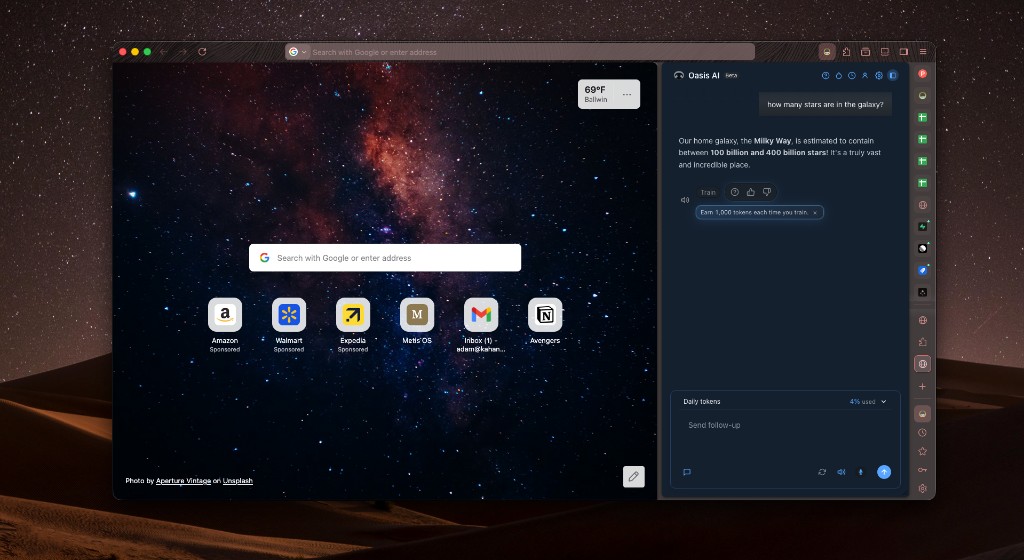
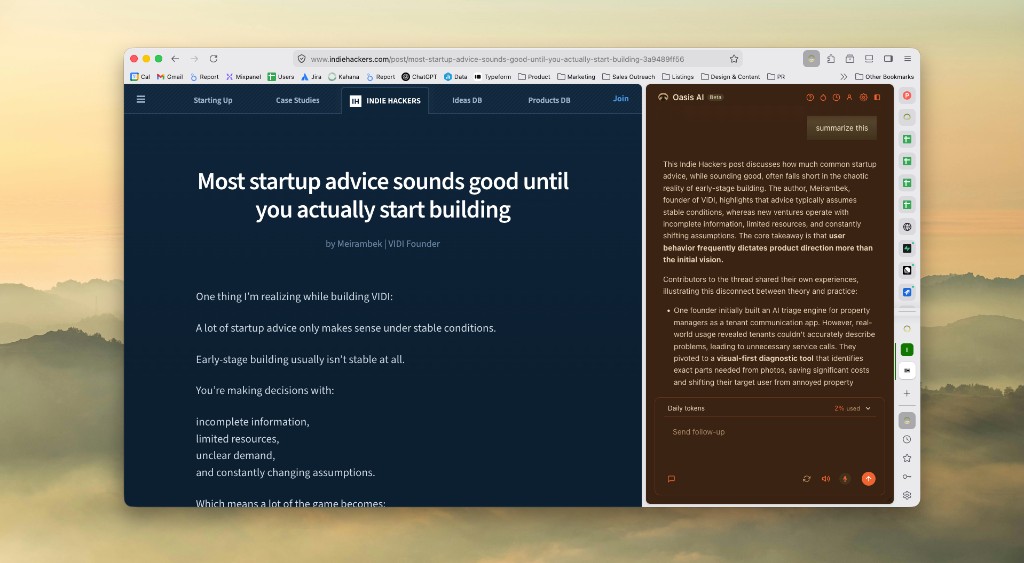
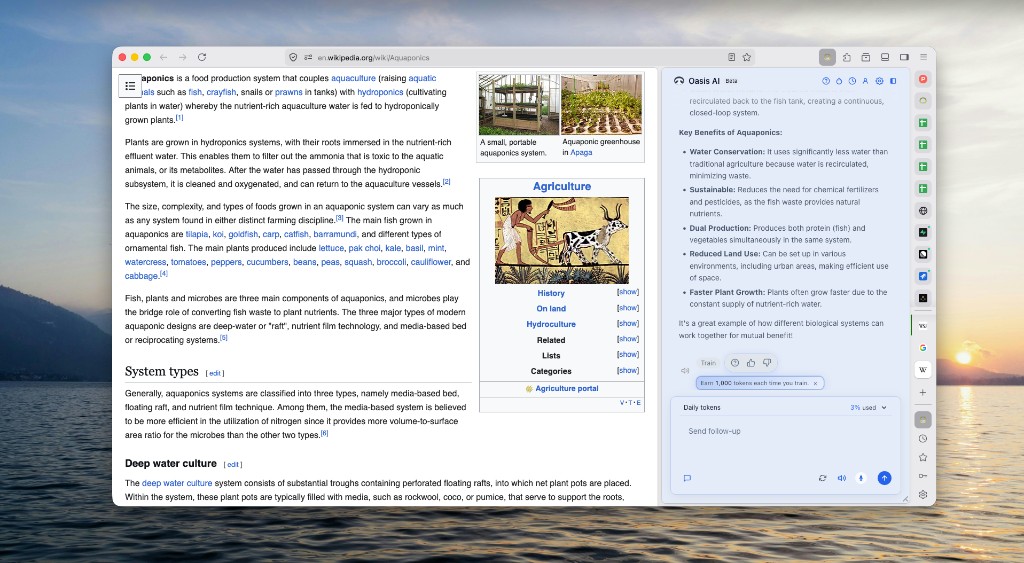
The panel combines a chat timeline, a composer with "Ask Oasis…", read-aloud and feedback on the latest AI message, and readable busy states when a tool is running (for example, summarizing a page). Search and filter below to explore commands and skills: illustrative prompts, not an exhaustive list.
What can Oasis do?
Search in plain language to match ideas like "that article from Tuesday" or "clean up my tabs", then browse example prompts for each area.
Try asking
Filter by category
Tabs and windows
List, open, close, move, and organize tabs and windows without digging through menus.
Example prompts
Tab groups
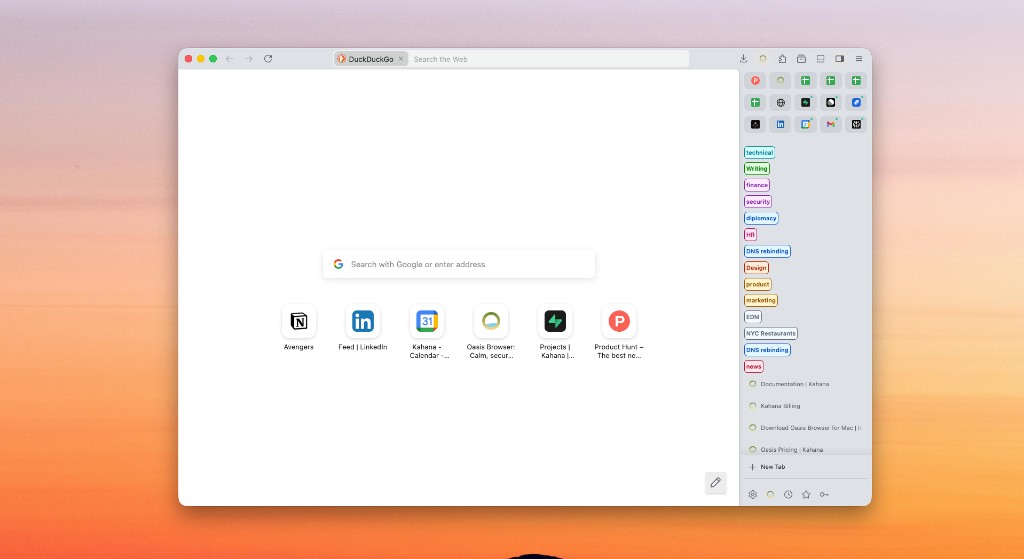
Create, rename, add or remove tabs, and list groups so a messy session stays scannable.
Example prompts
Bookmarks
Treat bookmark folders as first-class: list, create, rename, add tabs, open sets of saved pages.
Example prompts
History
Find pages by meaning—not only exact keywords—when you half-remember a visit.
Example prompts
Page understanding
Turn long articles into short answers grounded in what you are viewing.
Example prompts
Saved context
Search across what the assistant can access, including saved and visited context.
Example prompts
Personalization
Pick light or dark schemes for the assistant panel. Themes affect assistant chrome only—not the colors of the web pages you browse.
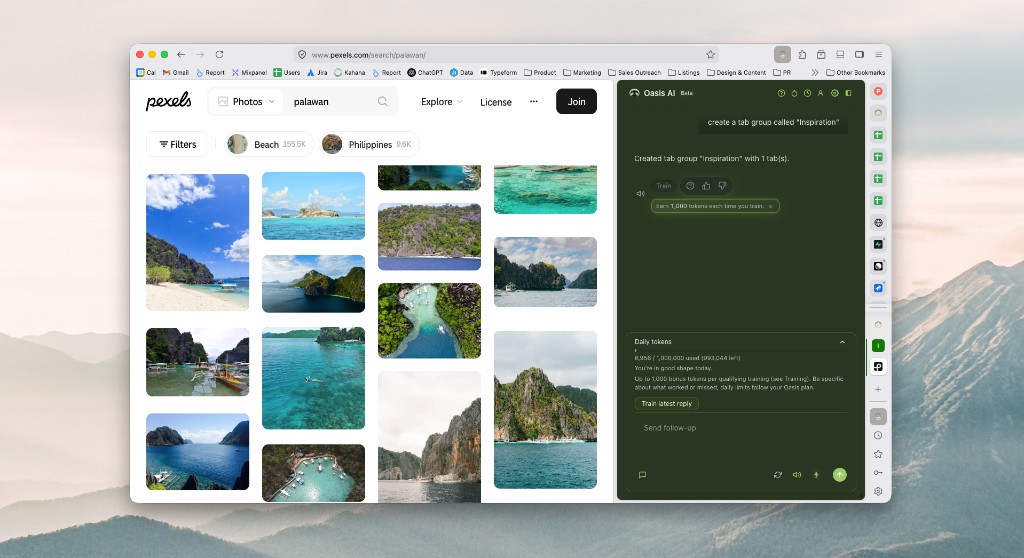
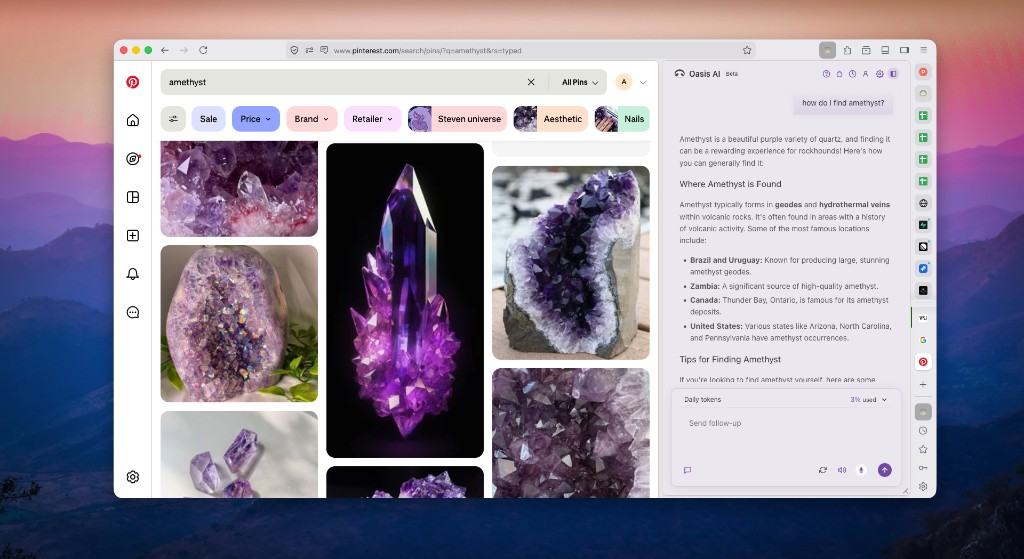
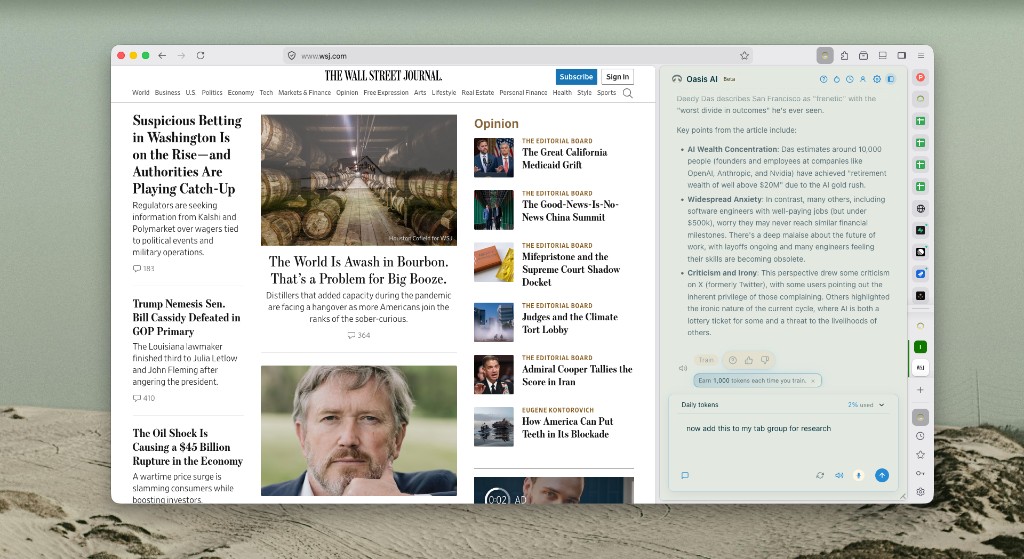
Control
When a command could change your browsing state in a meaningful way, Oasis can ask you to confirm. You see plain-language copy plus a highlighted command line so you know exactly what will run.
Illustrative modal below. Real copy and icons may vary slightly by version.
This will close a tab and cannot be undone from the assistant. Continue?
Onboarding
A docked checklist tracks basics like signing in, sending a first prompt, and trying voice, so you are not left wondering what to do after install.
Switching
Oasis uses a migration-style wizard so you are not rebuilding your digital life from scratch. One guided flow, clear choices, and OS permission prompts only when needed. Switching often takes seconds, not minutes.
General
Bring your bookmarks, passwords, history, extensions, and autofill data from another browser.
Coming soon
Planned feature: tags, notes, and thumbs become the loop that steadies the assistant over time. Preview below.
Read the full Amplifier guide →
Most assistants miss the mark on real work: too slow, too wrong, or tuned for demos. Training in Oasis is where you react in context—tags, notes, thumbs, and flows like training on a specific reply—so we can steer quality toward smarter, more accurate, and faster answers for you. Qualifying training can also add bonus tokens to your daily balance; caps and rules follow your Oasis plan.
Amplifier is the name we use for that whole feedback loop: signal grounded in real conversations, not vibes. Today that signal is tied to your account and the interaction you rate. Later, we plan explicit anonymous and personalized training modes so you can choose how much identity rides with the payload—roadmap, not a promise of ship dates.
Consistent, specific feedback over 30, 60, and 90 days is the shape of the compounding story below. The chart is illustrative only, not a live dashboard or guarantee for your curves.
Train & react
Simplified mock for layout; see the Amplifier & Training feature page for real in-app captures.
Help us improve Oasis
Did we get it right?
Illustrative trajectory
Concept only: as Training piles up, we expect the assistant to feel sharper, steadier, and quicker on the work you actually do. The three lines are placeholders for speed, accuracy, and overall quality—not a guarantee, live dashboard, or your measured trajectory.
| Day | Speed | Accuracy | Quality |
|---|---|---|---|
| Day 1 | 28 | 22 | 24 |
| Day 30 | 52 | 48 | 50 |
| Day 60 | 74 | 76 | 78 |
| Day 90 | 90 | 92 | 94 |